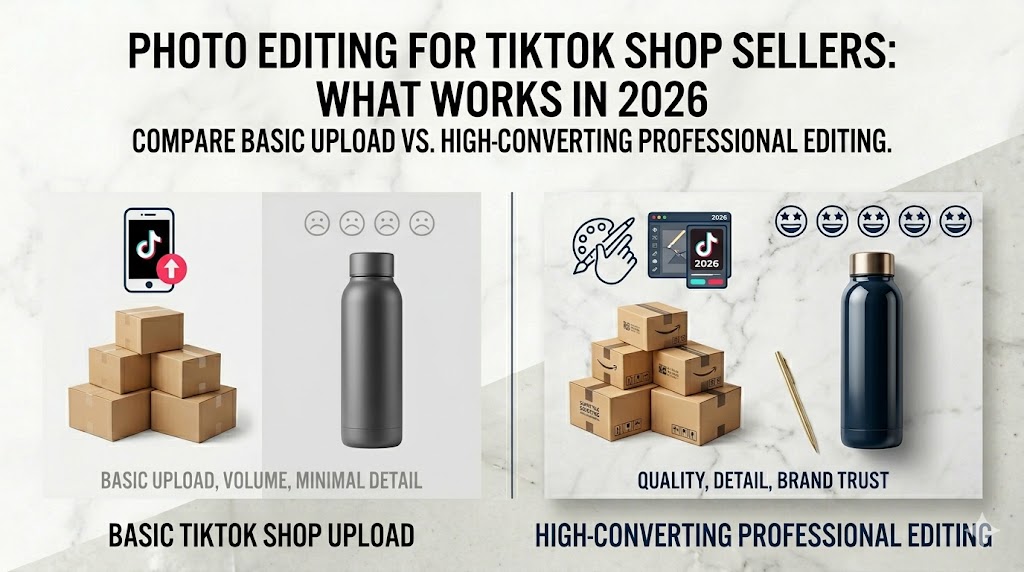
Photo editing for TikTok Shop is unlike any other platform — TikTok does not reward the prettiest images. It rewards the images its algorithm trusts and its buyers tap.
That makes photo editing for TikTok Shop a different game from Amazon or Shopify. Get it right and the For You page hands you free reach. Get it wrong and your listing gets buried before anyone sees it.
This guide breaks down exactly what works in 2026, from the technical specs to the editing choices that turn scrollers into buyers.
Why TikTok Shop Editing Is Its Own Discipline
On most marketplaces, your image just needs to pass approval and look clean. On TikTok Shop, your image quality directly controls how much the algorithm promotes you.
TikTok sorts every listing into quality tiers, and that tier decides your visibility. A poorly edited image is not just unattractive, it is a distribution penalty.
The platform actively reduces reach for low-quality imagery, regardless of how good your price or product is. This is why photo editing for TikTok Shop requires a fundamentally different mindset than other platforms.
The Technical Specs You Cannot Ignore
Before any creative decision, your photo editing for TikTok Shop must clear the platform’s technical bar. These specs determine whether your listing gets distributed or buried.
Here are the core 2026 requirements every listing should meet:
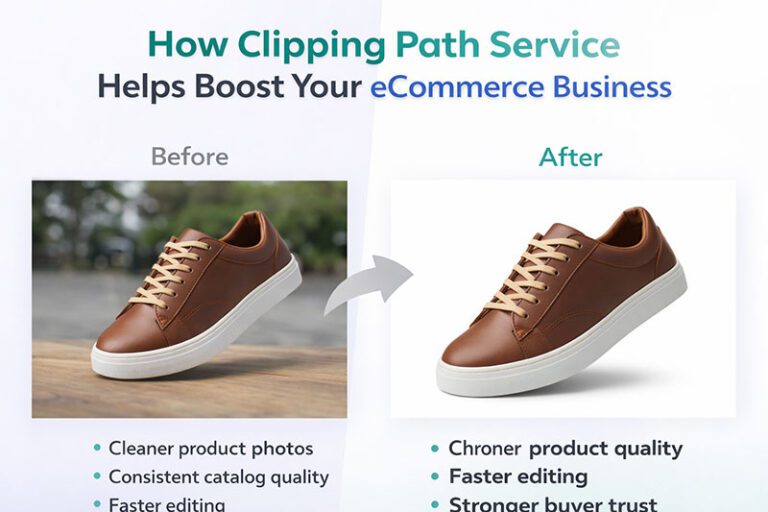
- Minimum image resolution: 600 x 600 px, with 800 x 800 px or higher recommended
- Best practice resolution: 1,000 x 1,000 px for crisp display
- Image count: at least 5 images per product to reach “Good” tier
- Main image background: clean and uncluttered, ideally white
- No mosaic layouts: each angle must be a separate image, not a collage
- Hero video: 9 to 60 seconds, minimum 720p, 9:16 aspect ratio
Listings with fewer than 5 quality images get auto-sorted into “Fair” or “Poor” tiers. That single factor can quietly cap your reach.
The Three-Tier System Explained
TikTok categorizes listings as Poor, Fair, or Good based on image quality and count. Your tier is not cosmetic — it determines how much photo editing for TikTok Shop effort you need to invest.
Good-tier listings receive better algorithmic visibility and higher conversion rates. Reaching that tier is the baseline goal of photo editing for TikTok Shop — anything below Good-tier costs you reach.
You can review the full technical breakdown in this TikTok Shop product photography guide.
The First Image Rule
Your first image carries more weight than all the others combined in photo editing for TikTok Shop. It appears in search, recommendations, and the product card — buyers judge quality before they click.
TikTok prioritizes clarity in this first slot above all else. Save your creativity for later images in the gallery.
For the main image, follow these editing principles:
- Keep the product sharp, centered, and clearly lit
- Use a clean white or neutral background
- Remove watermarks, “best seller” badges, and unauthorized graphics
- Avoid heavy text overlays that clutter the frame
- Show the complete product in a single, easy-to-read shot
A blurry, badge-covered main image is one of the fastest ways to fail approval or kill conversions. Clean and clear wins every time.
What to Do With Images 2 Through 5
Once your main image is locked, the rest of the gallery is where you sell. This is where smart editing earns its keep.
A proven gallery structure looks like this:
- Image 1: Clean hero shot of the full product on white
- Images 2 and 3: Detail shots showing texture, features, and quality
- Images 4 and 5: Lifestyle shots or variant colors in real context
Scale context is powerful here. Editing in a shot of the product held in hand or worn on a body helps buyers judge size instantly.
Simple benefit captions are fine in these later slots. Just keep them clean, because too many graphics make a listing look cheap.
Editing for the TikTok Aesthetic
TikTok buyers expect a different feel than Amazon shoppers. The platform rewards images that look authentic, bright, and native to the feed — and photo editing for TikTok Shop must reflect that.
Overly sterile, corporate product shots can actually underperform here. Your editing should feel polished but real.
Color and Lighting Choices
Bright, accurate color is the TikTok standard for photo editing for TikTok Shop. Edit your images to feel vivid without crossing into oversaturation that misrepresents the product.
Daylight-balanced color around 5000K to 5500K reads as natural and trustworthy. Aim for clean, even lighting with soft shadows rather than harsh contrast.
Accurate color also protects you from returns. A shade that looks punchy on screen but wrong in hand turns a sale into a refund.
Keeping It Authentic
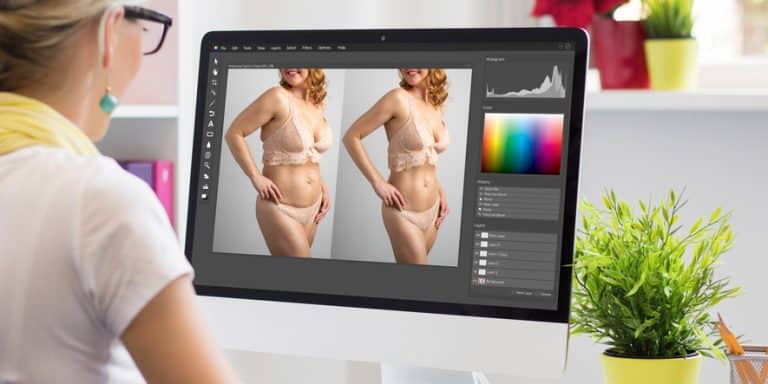
The fastest-scrolling buyers trust images that feel real. Light retouching that preserves natural texture beats heavy editing that looks artificial.
This is especially true for apparel and beauty, where buyers scrutinize texture and finish. Edit to enhance, not to fabricate.
Static Images vs. Video: What Editing Effort Goes Where
TikTok Shop is video-first, but static images still do critical work. Your editing budget should serve both.
Video drives discovery on the For You page and demonstrates the product in motion. Clean static images close the sale on the product page once a buyer taps through.
The smart approach is to treat them as a team. Use engaging video to win the scroll, then use sharp, well-edited images to convert the interested buyer.
Skipping either one leaves money on the table. A great video that leads to a weak product gallery loses the sale at the final step.
Common TikTok Shop Editing Mistakes
Sellers repeat the same avoidable errors. Watch for these:
- Uploading fewer than 5 images and getting stuck in a low tier
- Using a collage or mosaic as the main image, which TikTok rejects
- Leaving watermarks or promotional badges on the hero shot
- Oversaturating colors until the product looks fake
- Reusing dull, sterile Amazon shots that feel out of place on TikTok
- Ignoring scale context, leaving buyers unsure of the real size
Each of these is a quick fix in editing. Together, they are the difference between a buried listing and a featured one.
Get a Free Test Image Built for TikTok Shop
Editing a full catalog to hit “Good” tier on every listing, while keeping that bright, authentic TikTok feel, takes time and skill most sellers cannot spare.
That is exactly what we handle at Photo Fix Team. We clean up hero images, build conversion-ready galleries, and edit for accurate, vivid color that performs on the TikTok feed.
See it on your own product. Send us one product photo and we will edit it to TikTok Shop standards, completely free. Claim your Free Test Image here and see how a “Good” tier listing should look.
Editing for Different TikTok Shop Categories
Not every category needs the same photo editing for TikTok Shop approach. Tailor your work to what your buyers scrutinize most.
For beauty and personal care, prioritize accurate color and clean texture, since buyers judge shade and finish closely. For apparel, focus on fit, drape, and true-to-life color across variants.
For home and gadgets, lean into detail shots and scale context that prove function and size. Matching your editing to the category signals quality to both buyers and the algorithm.
A Quick Pre-Upload Checklist
Run every listing through this before you publish. It catches the issues that drop you into a lower tier.
- Are all images at least 800 x 800 px, ideally 1,000 x 1,000 px?
- Do you have at least 5 separate, high-quality images?
- Is the main image a clean, badge-free shot on a neutral background?
- Are colors accurate and bright without being oversaturated?
- Do later images include detail and scale context?
- Is your hero video 9 to 60 seconds in 9:16 at 720p or higher?
If every box is checked, your listing is positioned for “Good” tier reach and strong conversions.
Frequently Asked Questions
How many images do I need for a TikTok Shop listing?
At least 5 high-quality images. Listings with fewer are automatically placed in a lower quality tier, which limits your visibility in search and recommendations.
What is the best image size for TikTok Shop?
Aim for at least 800 x 800 px, with 1,000 x 1,000 px ideal. The minimum is 600 x 600 px, but higher resolution displays more crisply and supports a “Good” tier listing.
Can I use the same photos from my Amazon listing?
You can reuse clean product shots, but proper photo editing for TikTok Shop means brighter color and an authentic feel that fits the platform rather than sterile Amazon-style images.
Does image quality affect TikTok Shop reach?
Yes. Photo editing for TikTok Shop directly impacts algorithmic distribution. TikTok reduces reach for low-quality imagery and boosts higher-tier listings.
Should my main image have text or badges?
No. Keep the main image clean, with no watermarks or promotional badges. Save simple benefit captions for the later images in your gallery.
Final Word
Photo editing for TikTok Shop is about earning the algorithm’s trust and the buyer’s tap. Hit the specs, keep the hero image clean, and edit for bright, authentic color.
Do that across at least five images and you unlock the reach that makes TikTok Shop worth selling on. When you would rather hand it off and know it is done right, Photo Fix Team is one free test image away.
🚀 Ready to Grow Your eCommerce Business with Professional Clipping Path Services?
Photo Fix Team delivers fast, precise, and affordable clipping path services for eCommerce businesses of all sizes — background removal, white background compliance, ghost mannequin, shadow effects, color correction, and bulk catalog editing with guaranteed quality.
Get a Free Quote Today →